Moving away from Google Analytics without losing your history
By The MetricMind team · Updated · 4 min read
Leaving doesn't mean losing it. Your history stays in the Google Analytics property, so don't delete the property, download the reports you'd miss, and run the new tool next to GA for a few weeks before you remove the tag. One thing to know before you read on: MetricMind can't import Google Analytics data. If having old numbers inside the new tool is a must for you, that's a real reason to choose differently, and we say where below.
What history you still have
Check first, since it may be less than you think.
- Universal Analytics is gone. Google stopped processing it on 1 July 2023 for standard properties and removed access in the week of 1 July 2024. If nobody exported that data, Google says it can't be recovered.
- GA4 standard reports keep their history. Google's data retention setting of 2 or 14 months applies to explorations and funnel reports, and it doesn't change standard reports.
- So old detail may already be missing. Explorations can't go back further than your setting, while your month-by-month totals in standard reports can.
Step 1: keep the property
You can remove Google's tag from your site and leave the property where it is. Don't delete it, and give a second person admin access, so you aren't locked out if someone leaves. We found no promise from Google about how long an idle property stays available, which is why step 2 exists.
Step 2: download what you'd actually miss
You don't need everything. Ask what you've looked up in the past year. For most small businesses, that comes down to a seasonal comparison, a sense of which sources mattered, and a few key numbers.
From a GA4 report, choose Share this report, then Download File. Google offers PDF, CSV and Google Sheets, with up to 100,000 rows per CSV or Sheets download. For each full year, and each month if you're seasonal, save:
- Users and sessions per month, by channel
- Your top pages, by views and by key events
- Key events per month
- Countries and devices, once per year
Put them in one spreadsheet with a sheet for each year. An afternoon's work now will save you from a bad surprise later.
Step 3: run both for a few weeks
Add the new tool without touching Google's tag. Cover at least a normal week and, if you run them, a campaign.
<!-- Your Google tag stays where it is -->
<script async src="https://www.googletagmanager.com/gtag/js?id=G-XXXXXXX"></script>

<!-- The new tool goes next to it -->
<script src="https://cdn.metricmind.si/mm.js" data-site="YOUR_SITE_ID" defer></script>
The numbers won't match, and that's normal. Each tool identifies people and filters bots differently. If a consent banner holds GA back until visitors accept, a tool without that banner sees people GA doesn't. Don't try to reconcile them to the visitor. Check that both tell the same story: same busy days, same top pages, sources in the same order.
Do one useful thing during this time: work out the ratio. If the new tool regularly counts 1.3 visitors for each one GA counts, write that down. It's your bridge between the old numbers and the new ones.
Step 4: rebuild only what you use
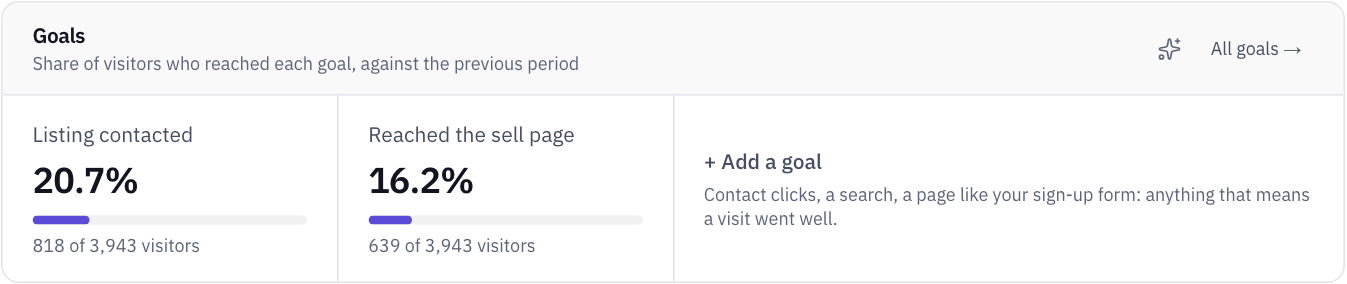
List the key events you've actually acted on. It's rarely many. Recreate those as goals in the new tool and leave the rest behind. Keep the same names so your old spreadsheet still reads clearly.
Step 5: remove the tag, and mark the date
Before you remove it, check what else depends on GA. Google Ads audiences and key events imported into Google Ads do, and so may reports your agency builds in Looker Studio. If you rely on those, keep GA4 for that job, and use the other tool for the rest. There's no rule against running two.
Then write the switch date somewhere that everyone will see it, in the spreadsheet and on the new tool's timeline. Next year, when someone compares this November with last November, that note explains the jump.
What MetricMind can and can't do here
| Question | Answer |
|---|---|
| Import Google Analytics history? | No. Not GA4, not Universal Analytics, not your spreadsheets |
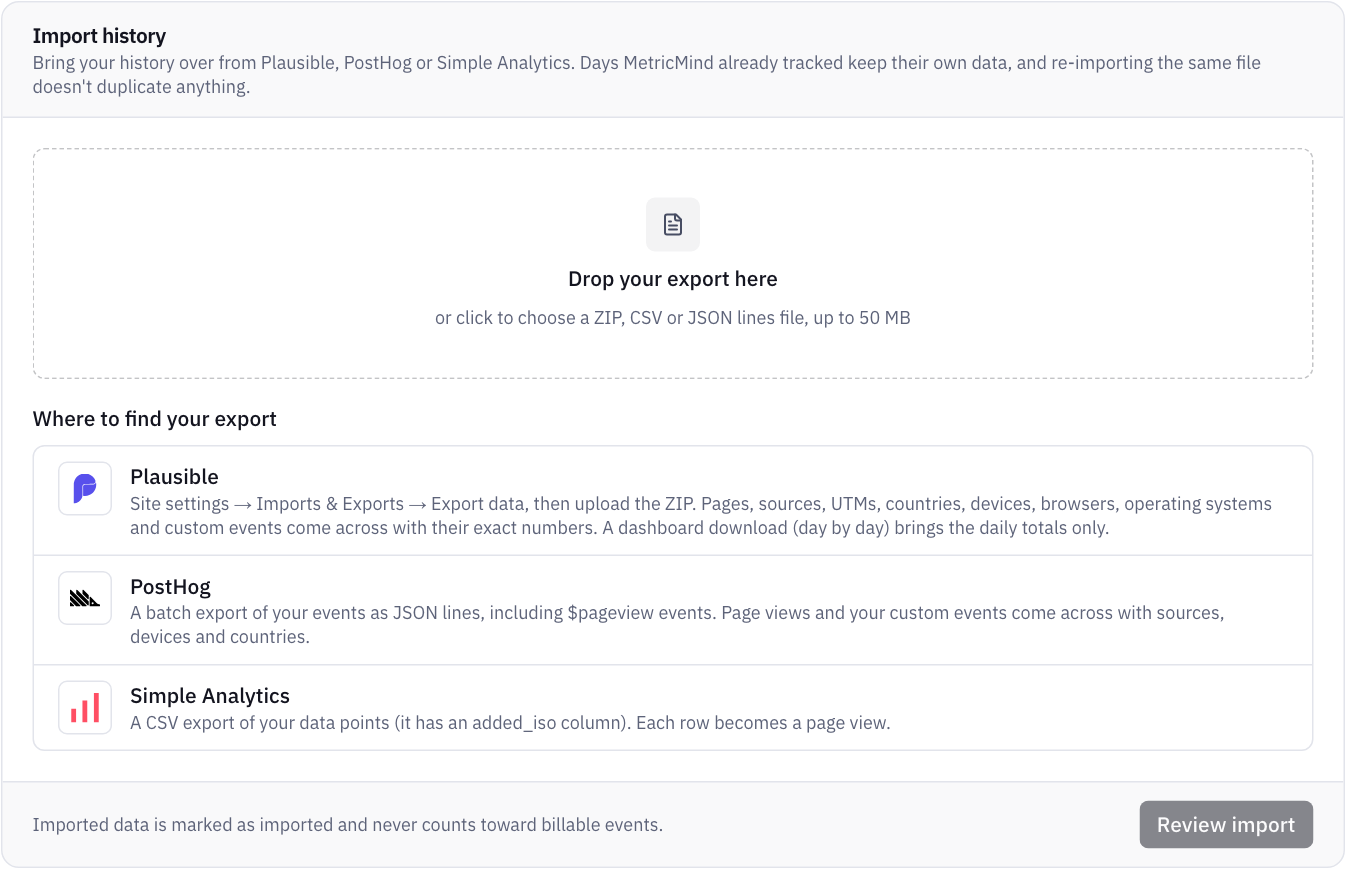
| Import from other tools? | Yes, by file: Plausible, PostHog and Simple Analytics |
| Run next to GA? | Yes. The script is about 12 KB and doesn't interfere |
| Compare with last year? | Only once it has a year of its own data |
| Mark the switch on the chart? | Yes, with a note on the timeline |
| Keep my new data? | Events are kept while your account is active, with CSV export and a query API |
| Replace Google Ads audiences? | No, and Search Console data isn't in the product yet either |
What you gain in exchange: no cookies, an option to store nothing at all on the device, and contacts, site search, forms, errors and Web Vitals from the one script. There's also an analyst you can ask why something changed. Morning investigations of what changed come with Business and Scale.
If you need your history in the new tool
Then look at a tool that imports it. Plausible's documentation describes importing GA4 history, and lists the limits: returning visitors can be overcounted across long periods, goals must be recreated, revenue doesn't come across, and imported rows don't support every filter. Read that page before you assume an import gives you what you had. What comes across is what GA reported, with GA's definitions.
You may look up your old numbers less often than you fear. If so, a spreadsheet, a ratio and a date on the timeline will cover it. But it's your history, and only you know how often you open it.
Your next step
Run MetricMind next to GA
MetricMind is in private beta and free to start. Join the waitlist, add one line next to your Google tag, and compare for a few weeks.